Tag Archives: Evernote

How I Use Hashed Evernote Tags

I received a question from someone about how I use my #work-project tag.

I work for a software consulting company. We deliver website, desktop, and mobile business applications to our clients.

I tagged notes for these projects with #work-project and the name of the client. If Microsoft was desperate enough to hire us, I would tag their notes with #work-project and Microsoft. Continue reading →

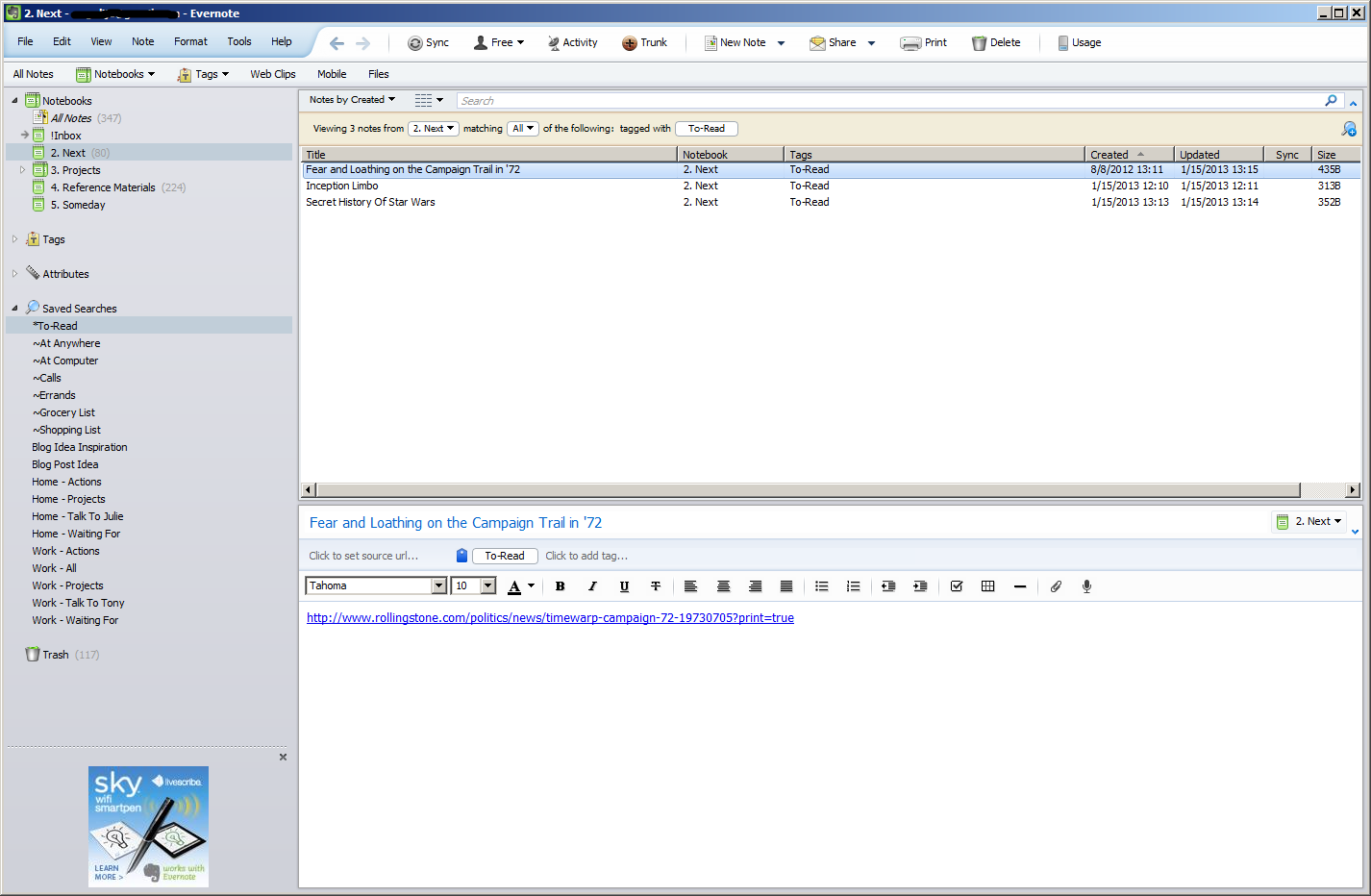
Reducing My Browser Tabs

I used to have a lot of browser tabs. I’d see something interesting and middle click the link to read later. I’d open so many that I’d eventually have to restart the browser. I restore my previous session in Firefox, but I don’t have Firefox load the tabs until I select them, freeing the precious memory while keeping my to-read list intact.

I always have around 6 to 8 tabs opened and pinned. Gmail, Google Calendar, Facebook, Twitter, Google+. Sometimes Pandora. Then after that, I could’ve had anywhere from 10 to 40 open. Anytime I researched something, I’d open another 2-10 tabs. If I didn’t find what I was looking for, they’d remain open for me to come back to at some point.

After doing the GTD thing for a couple of weeks, though, I’ve realized that those tabs were subtly causing stress. I’d look at the tabs and think, “Ugh, I don’t feel like reading any of them right now.” My tabs were just one more todo list for my mind to keep track of. Continue reading →
Setting Up Your GTD Inboxes

When I first started using my Evernote GTD system, I had to make sure I captured everything I had scattered out on my various TODO lists. I had TODOs on my desk, outlook tasks, google tasks, personal emails, work emails, paper mail, browser tabs, white board lists.

Since I was tracking all of my TODOs on different lists, I had no central place to look for everything I needed to do, which makes it hard to prioritize what you should do next. Continue reading →